Review referral analytics
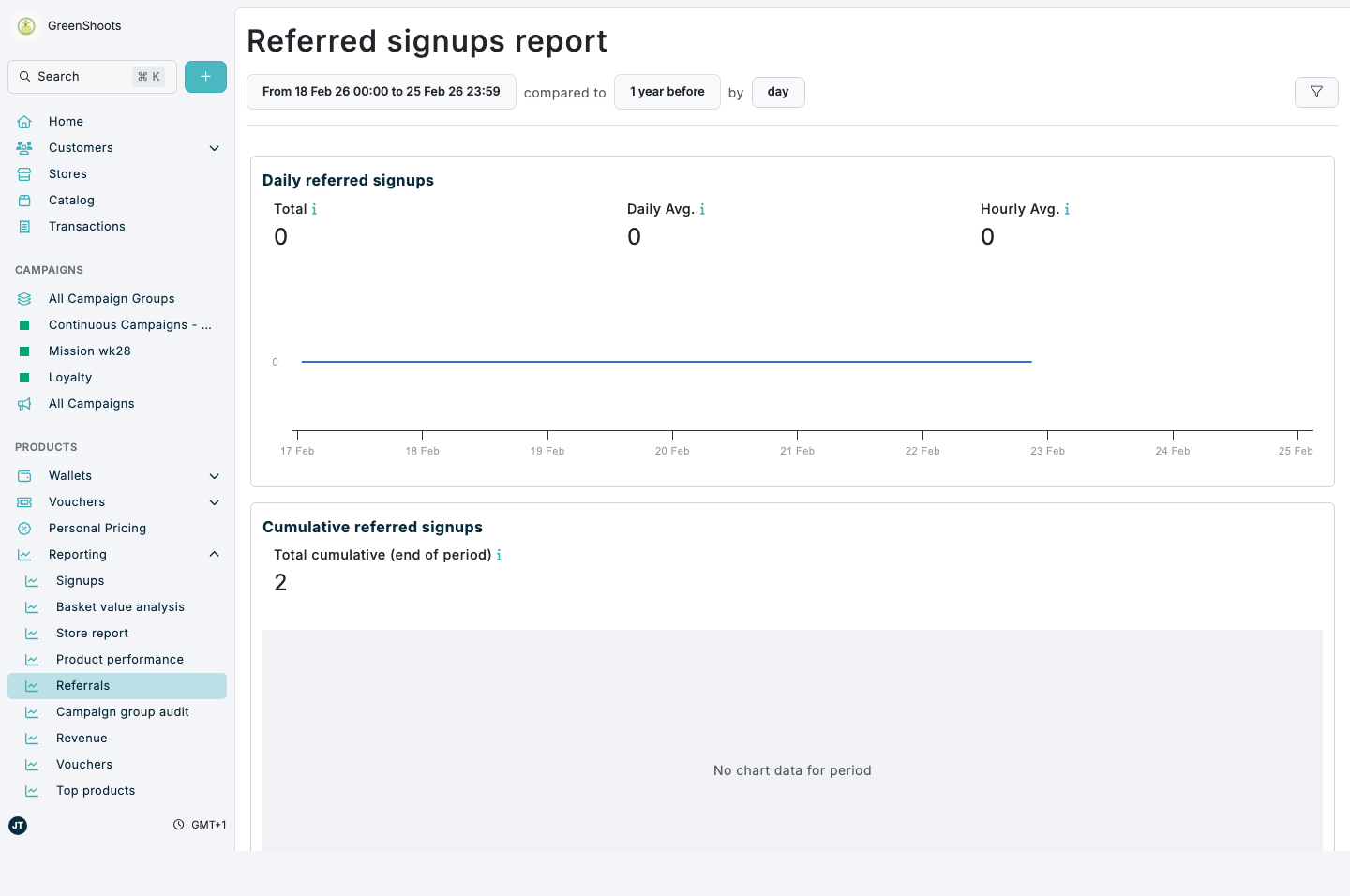
Use referral analytics to track referred signups over time and compare performance by channel and demographics.
Expected result
- You can open the overall referrals report and review key referral-signup trends.
- You can open a campaign-level referral report for a single referral campaign.
Review referral analytics in Console
Overall referral performance
- Open the Referrals analytics page.
- Confirm the page title is Referred signups report.
- Set your date range in the report filter.
- Review:
- Daily referred signups
- Cumulative referred signups
- Signups by channel
- Demographics of referred signups
Campaign-level referral performance
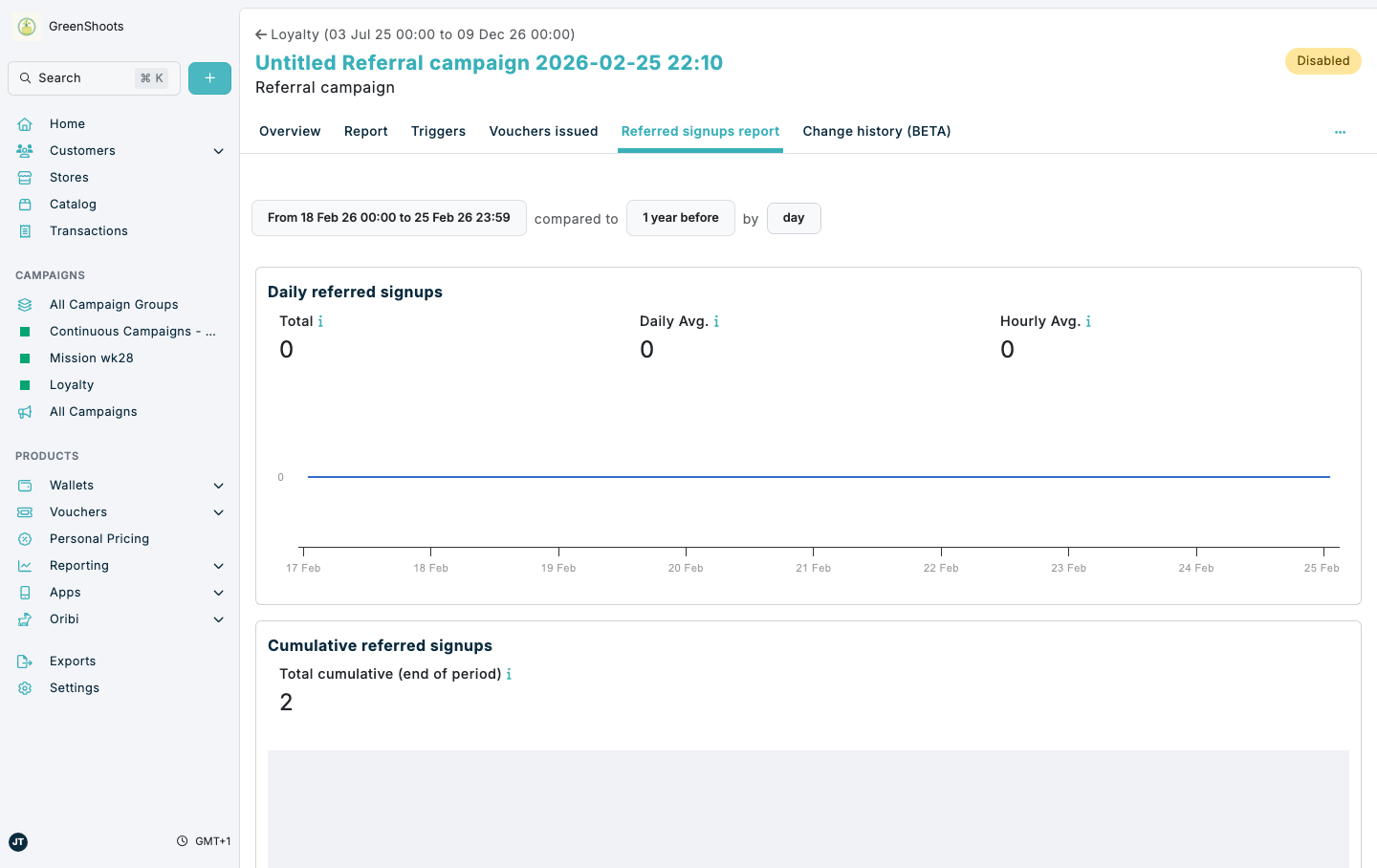
- Open the Campaign groups page and open a referral campaign.
- In the campaign navigation, click Referred signups report.
- Use the date filter to focus on the period you want to analyze.
- Open Report when you want broader campaign metrics alongside referral-specific trends. Use Summary for campaign-level totals and Customer response for referral-specific campaign charts.
If something looks different
- If the Referrals report is empty, expand the date range and confirm referral activity exists in that period.
- If you do not see Referred signups report in a campaign, verify the campaign type is Referral.
- If analytics cards are missing, refresh the page and confirm your user has access to analytics reports.