Console October release

Our October release adds a personal Oribi dashboard to Home and makes everyday work with campaigns, vouchers, and customers easier.
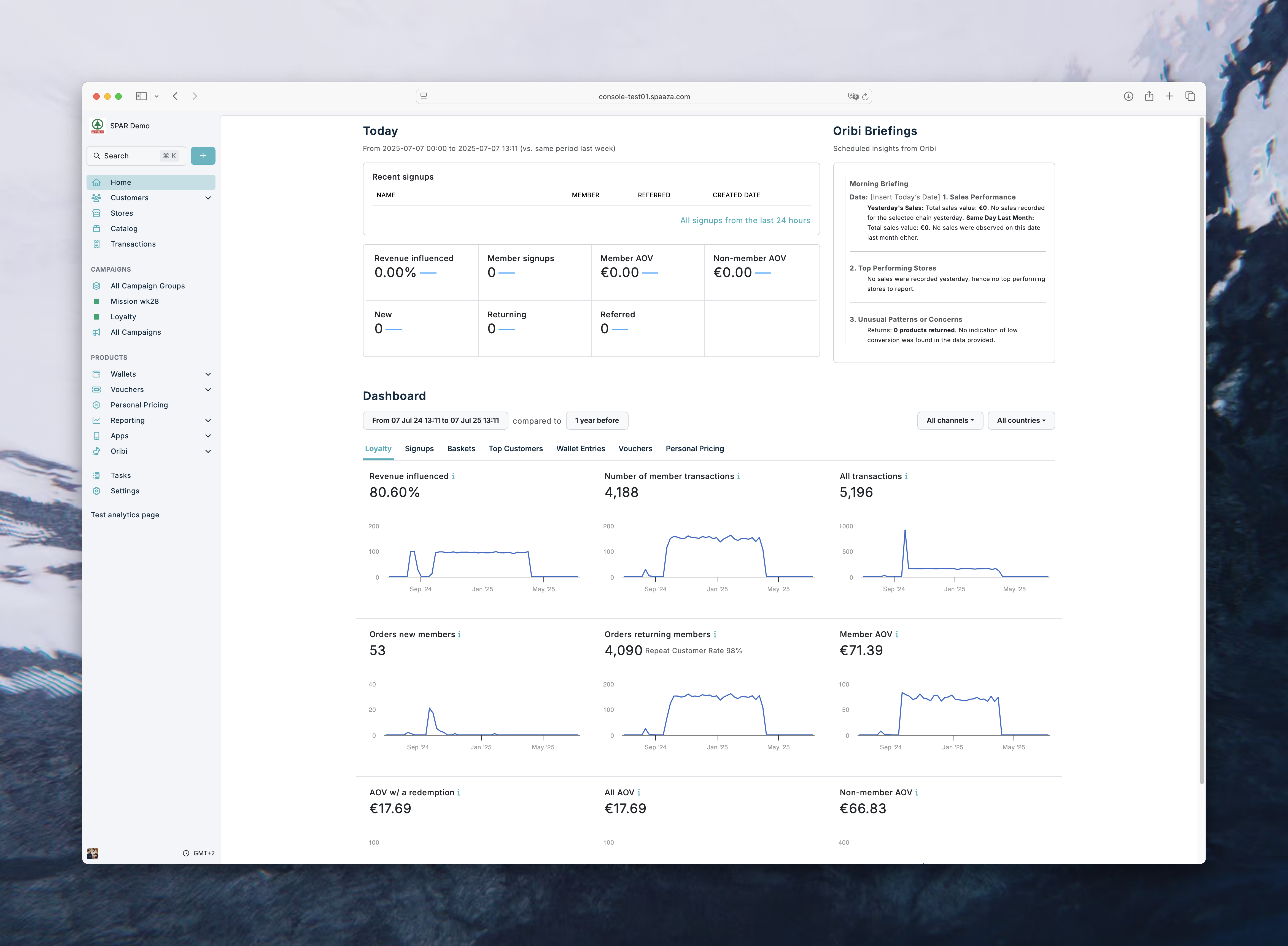
Oribi home dashboards
- The home dashboard is available only to Spaaza customers using Oribi. Each team member also needs Oribi and Analytics permissions.
- You can now set up a daily dashboard around your business goals. Oribi creates goal cards with key figures, charts or tables, and suggested areas to investigate.
- The first dashboard starts when you save the setup. You can also select an existing briefing or use Generate now to refresh the dashboard without changing its daily schedule.
- Select View details on a card to review the full result, the period it covers, and any data limitations. Investigate opens a suggested question that you can review before sending.
- Super users can enable Oribi for a program and grant team members access. See Create your Oribi home dashboard for setup and use.
Campaigns and vouchers
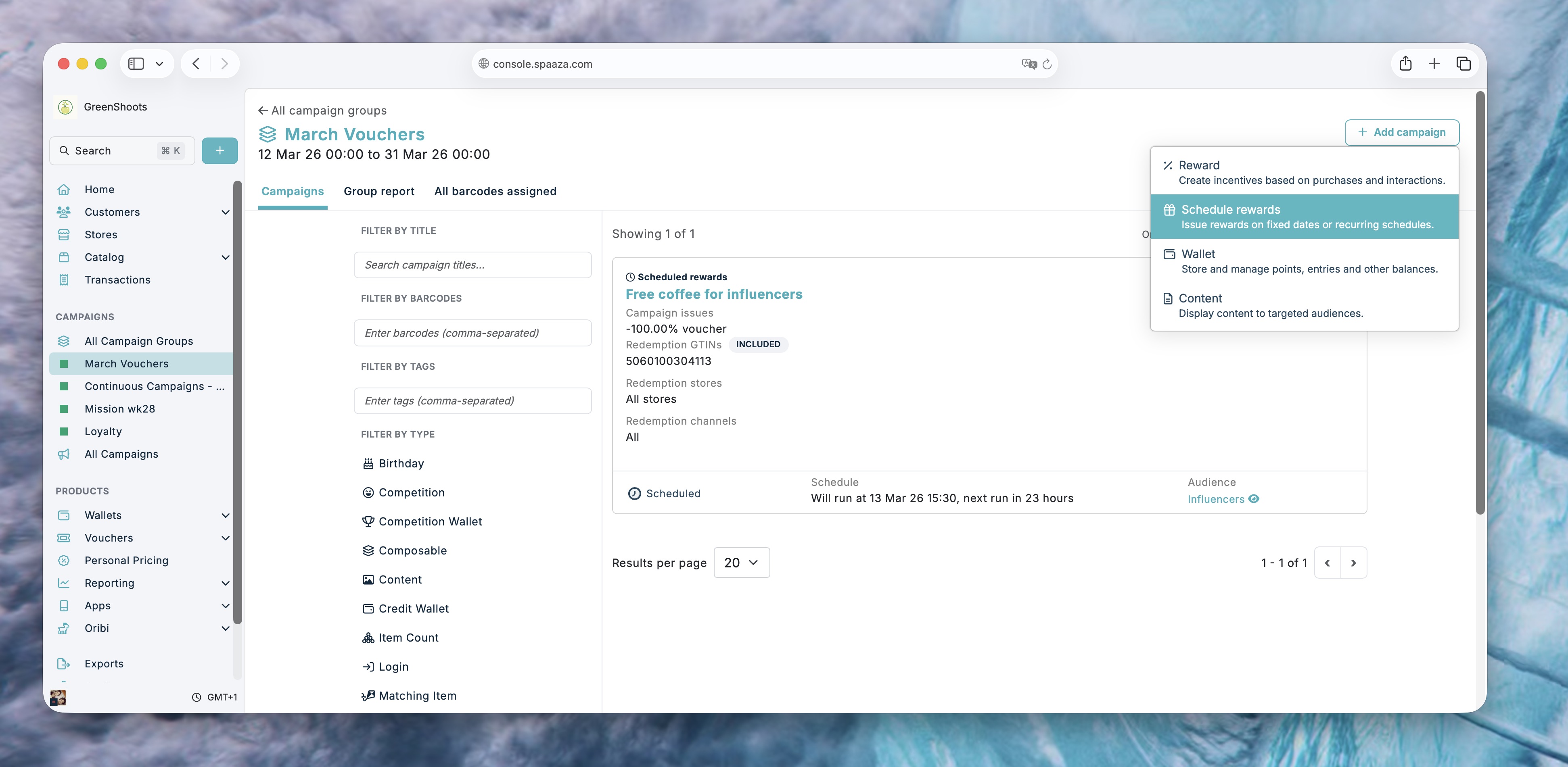
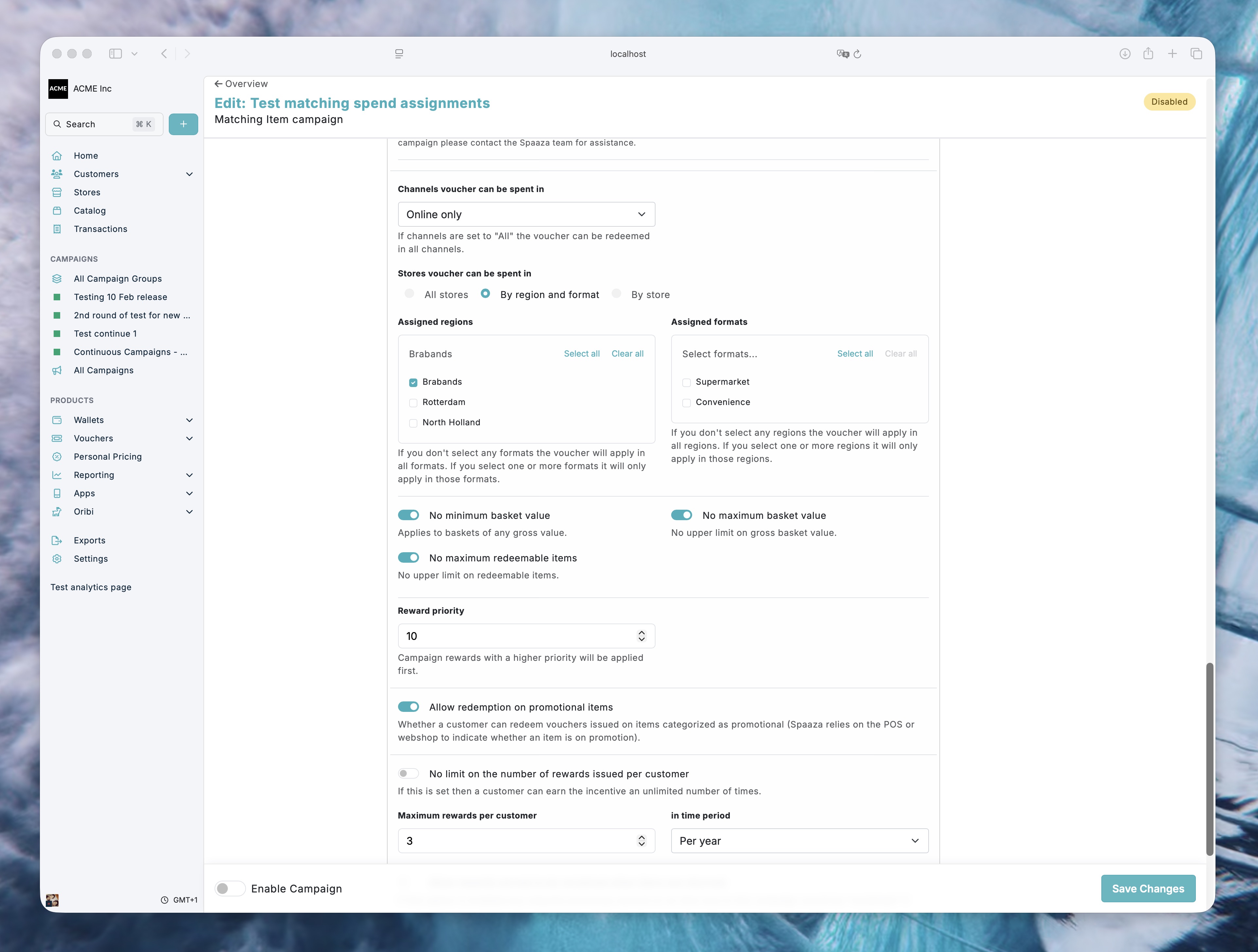
- Switching between voucher reward types now shows the settings for the selected type and keeps entered values available if you switch back.
- Percentage vouchers now check that the discount is greater than 0 and no more than 100 before saving. An error appears beside the field, so it is easier to correct.
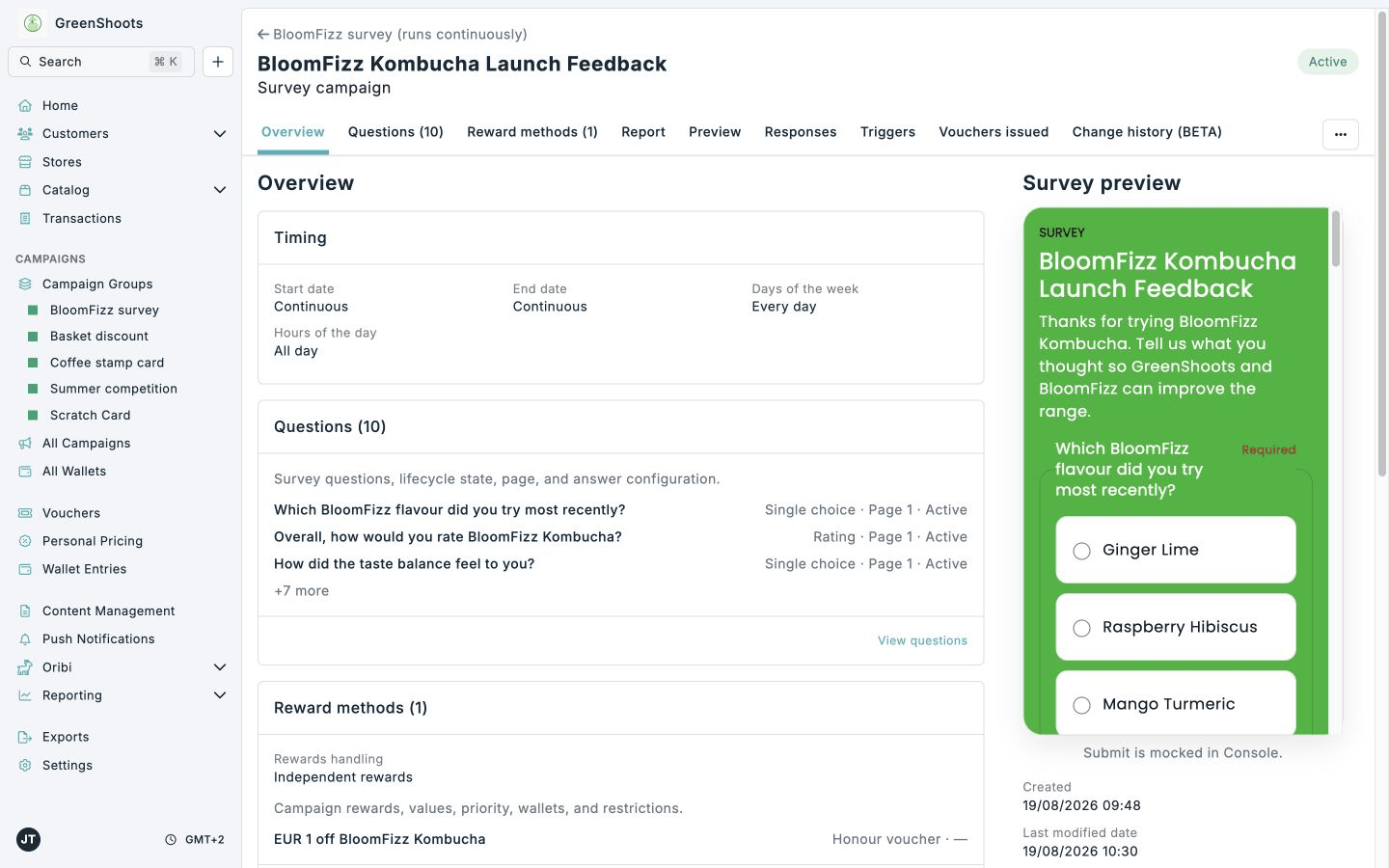
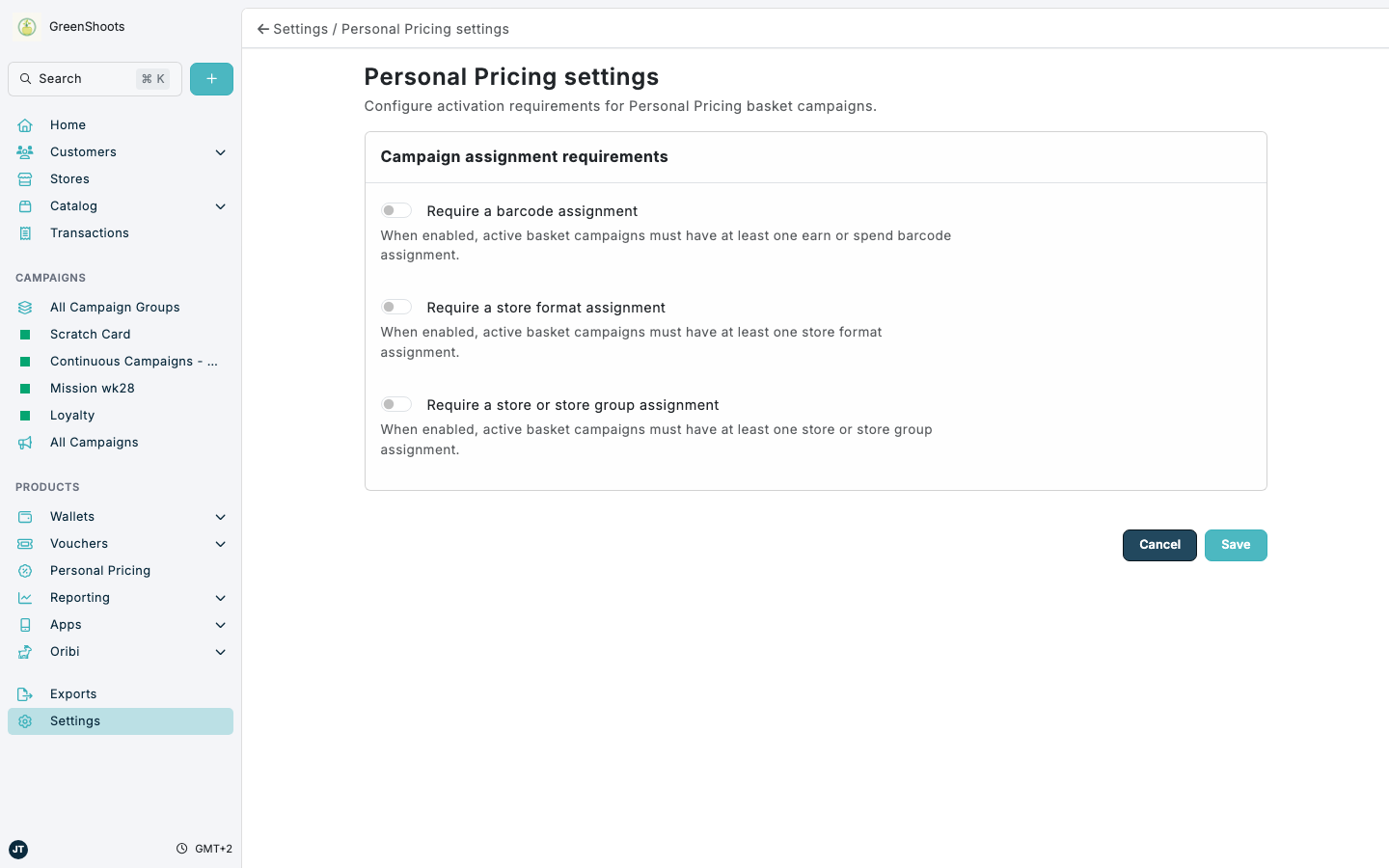
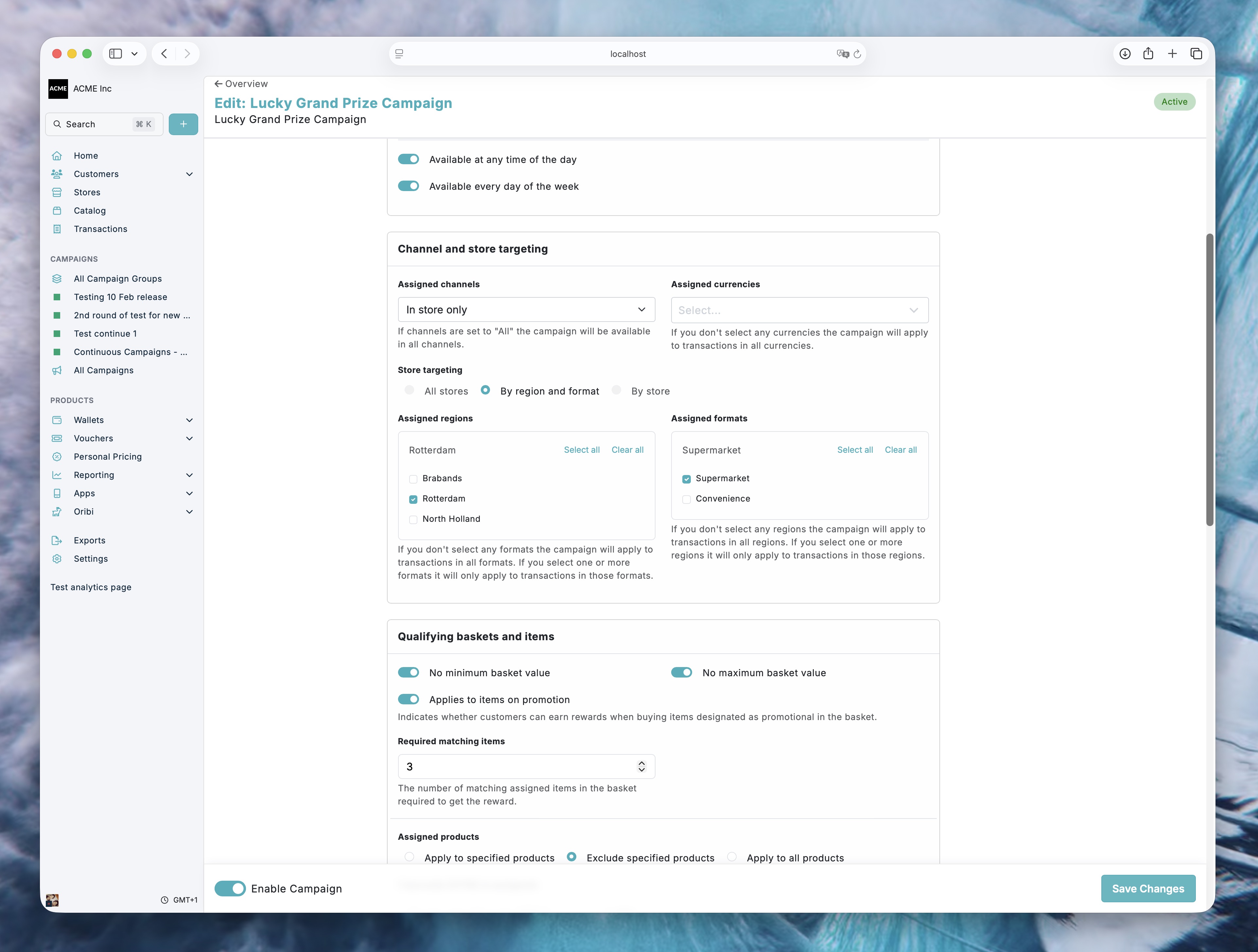
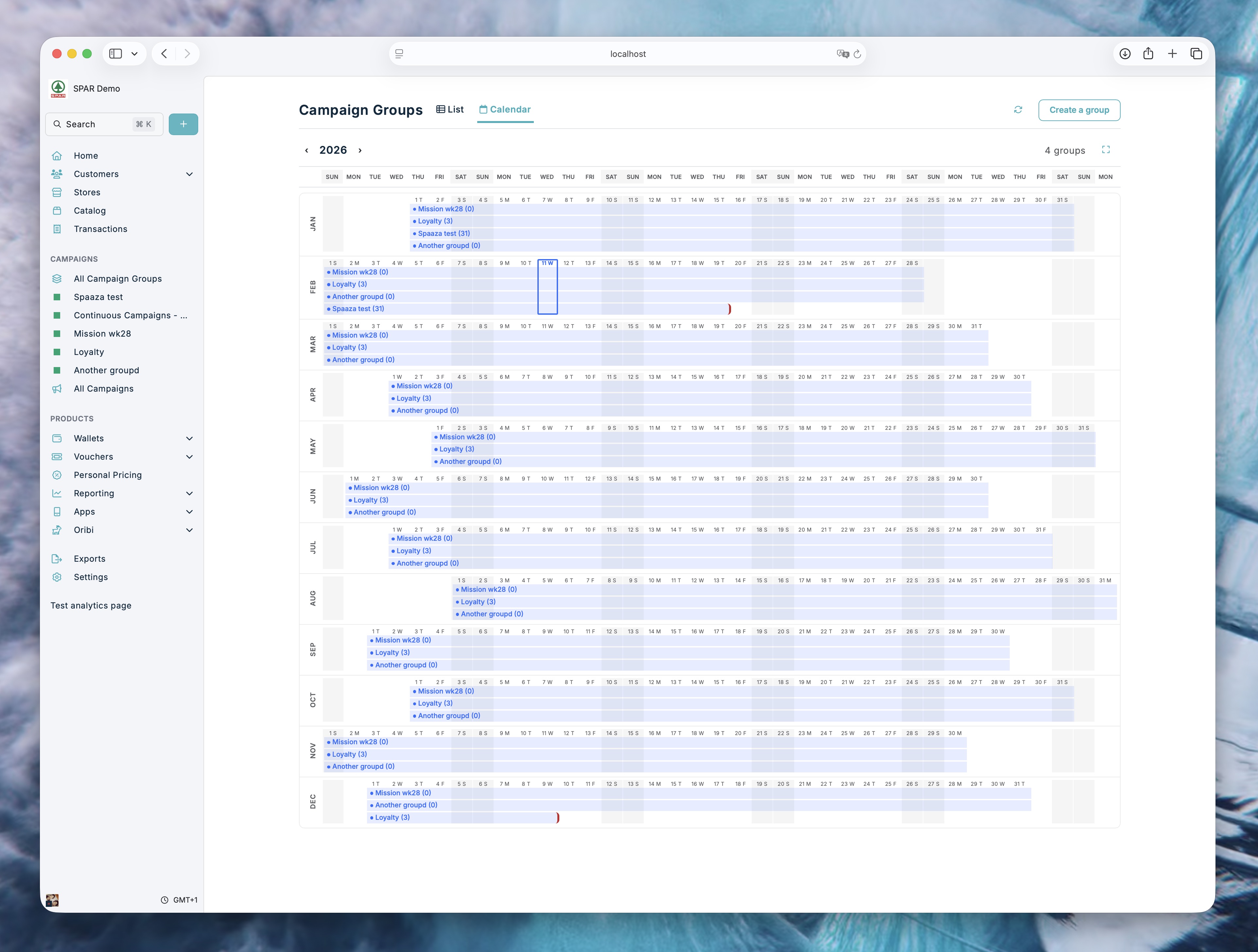
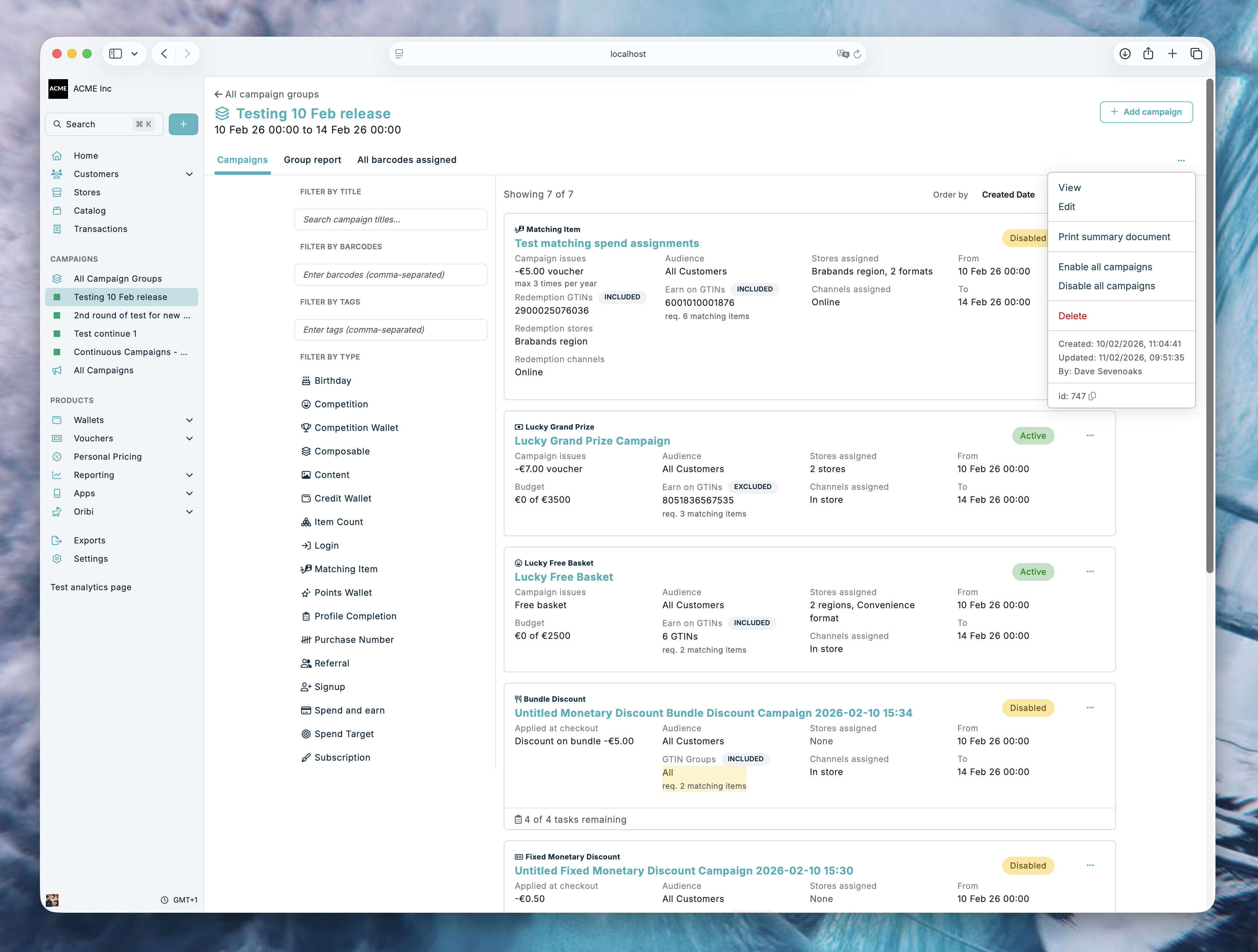
- Campaign overviews have clearer spacing and alignment. Barcode conflicts are easier to spot, and discount form guidance now appears beneath the related fields.
Customers and content management
- Customer lists show the member Number again, with Name, Number, Phone, and Email together at the start of the table. You can also filter by number.
- For supported businesses, voucher previews now match the customer-facing Embed Element's voucher labels, button state, and date format.
Other improvements
- Oribi answers now present findings more clearly and call out important limits in the available data, including when transaction data covers members only.
- Several smaller reliability and usability improvements have been made across Console.
Enjoy!