Export customers
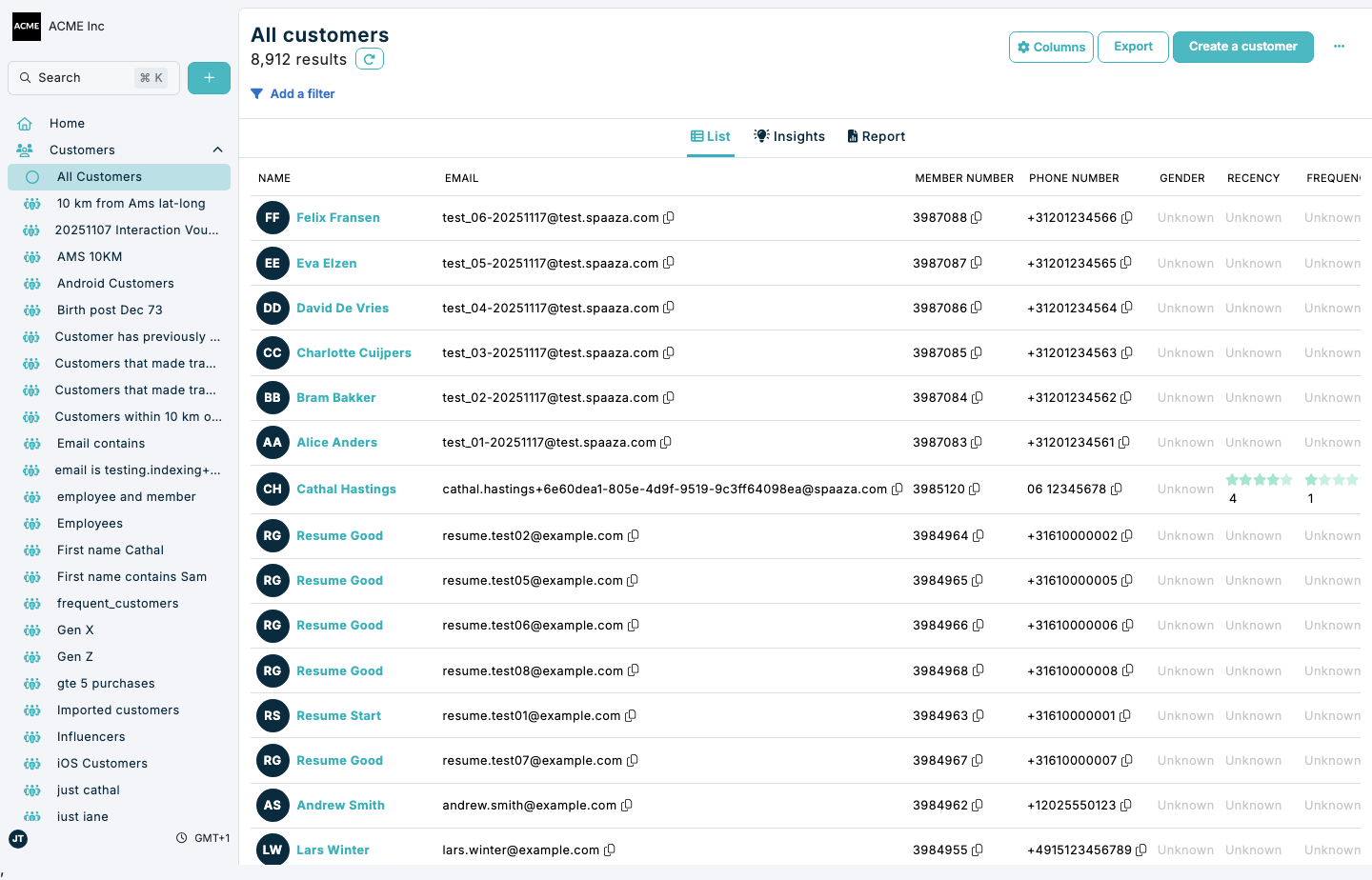
Export the exact customer set shown in your current filtered view to create extracts for analysis, operations, or downstream processing.
Exporting customer data in Console
- Open the All Customers page or a saved segment.
- Apply any filters you want to include in the export.
- Click Export. On smaller screens, open Actions and select Export.
- Wait for the download to complete (
spaaza_users_export.csv). - Open the file and verify expected fields and record counts before sharing or importing elsewhere.