Manage store formats
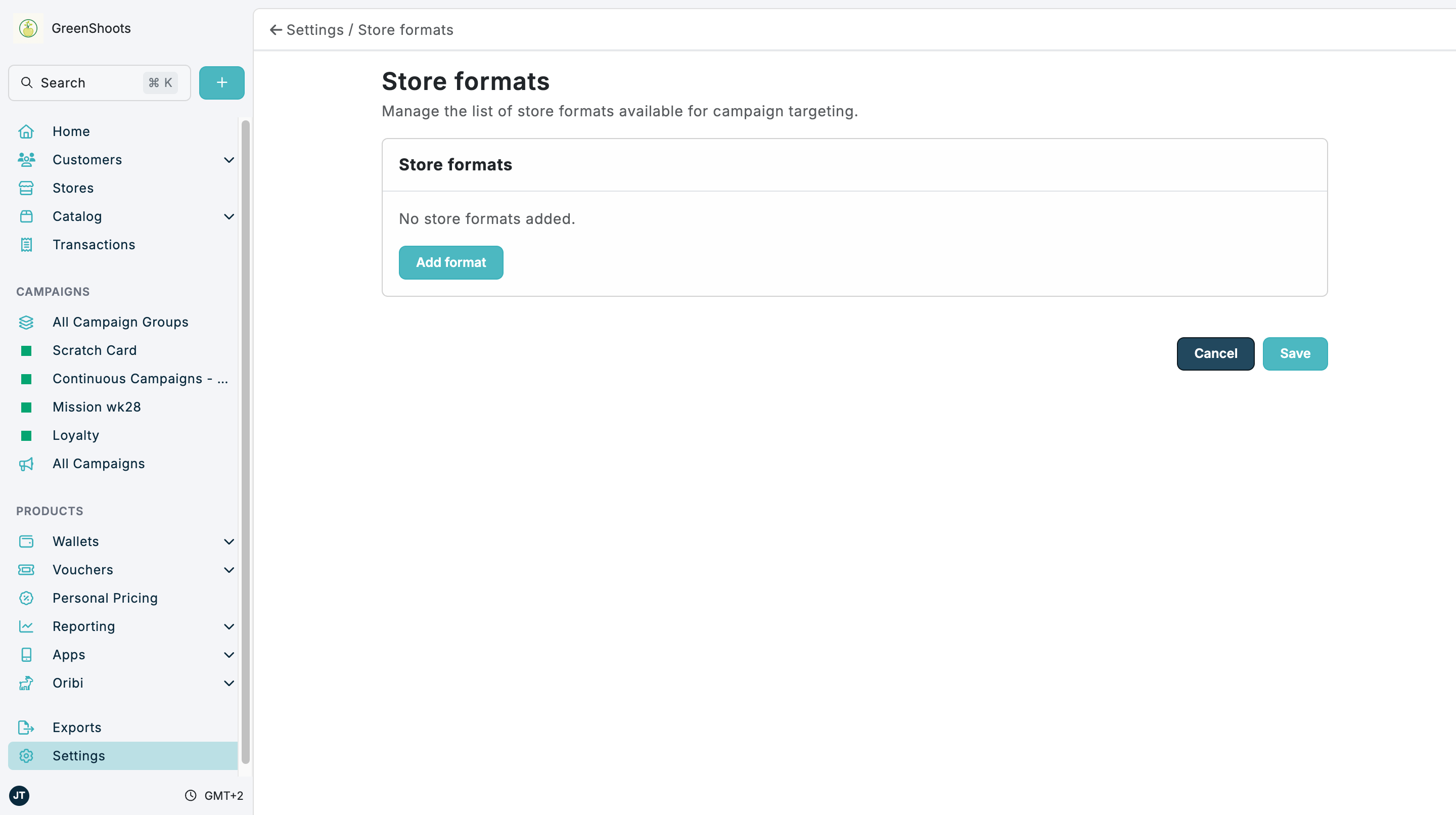
Use Store formats to maintain the format values available on stores and in campaign targeting.
Expected result
- New format values can be added with Add format.
- Existing format values can be removed before saving.
- The saved format list is available in store setup and targeting where supported.
Manage store formats in Console
- Open Store formats.
- Review the current list of format values.
- Click Add format.
- In Add Business Format, enter the new value in Business Format.
- Click Add Format.
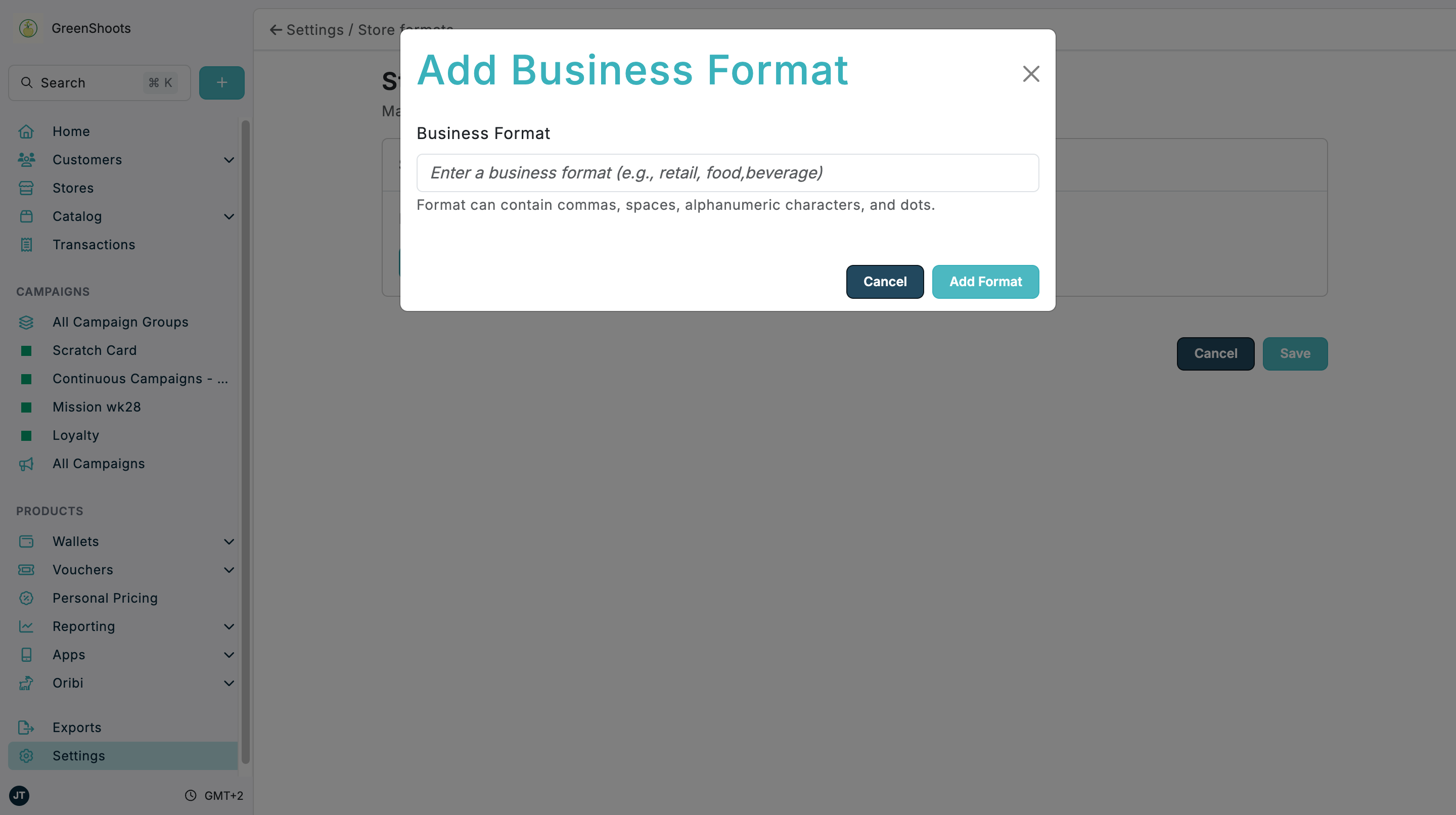
- Use Remove beside any outdated format you no longer want to offer.
- Click Save.
If something looks different
- If No store formats added. is shown, click Add format to create the first value.
- If This format already exists appears, use the existing value instead of adding a duplicate.
- If a format is still visible elsewhere after removal, refresh that page after saving the updated list.