Manage store groups
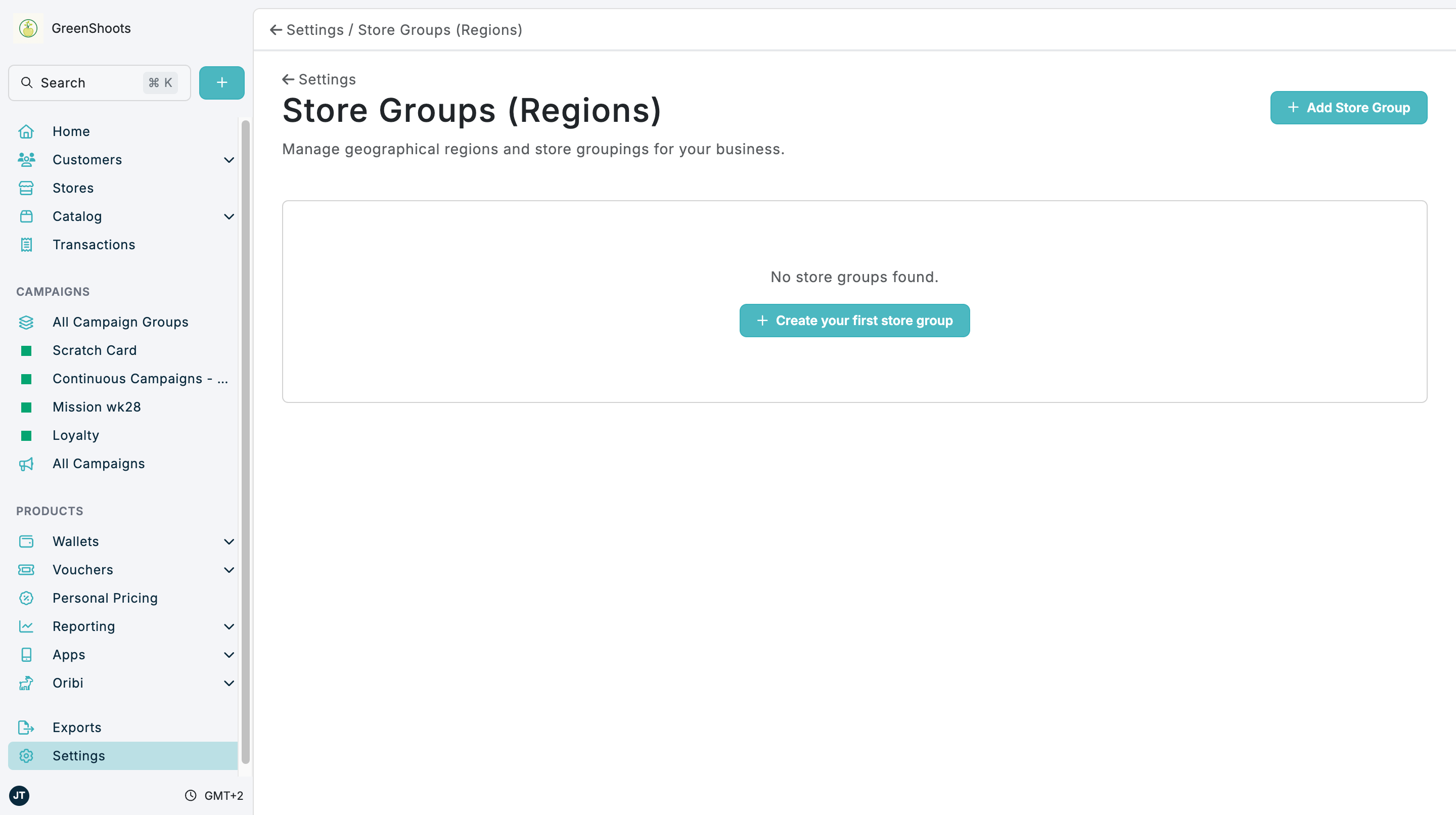
Use Store groups to create and manage region groupings for stores. Store groups can include optional owner codes, descriptions, geographic boundaries, and centroid values.
Expected result
- New store groups can be created from Add Store Group or Create your first store group.
- Existing store groups can be opened, edited, or deleted.
- Active store groups are available wherever store groupings are used in Console.
Manage store groups in Console
- Open Store groups.
- Click Add Store Group. If no groups exist yet, click Create your first store group.
- In Add Store Group, enter Title.
- Optionally enter Owner Code and Description.
- Add GeoJSON and Centroid when the group should include geographic boundary data and a map preview.
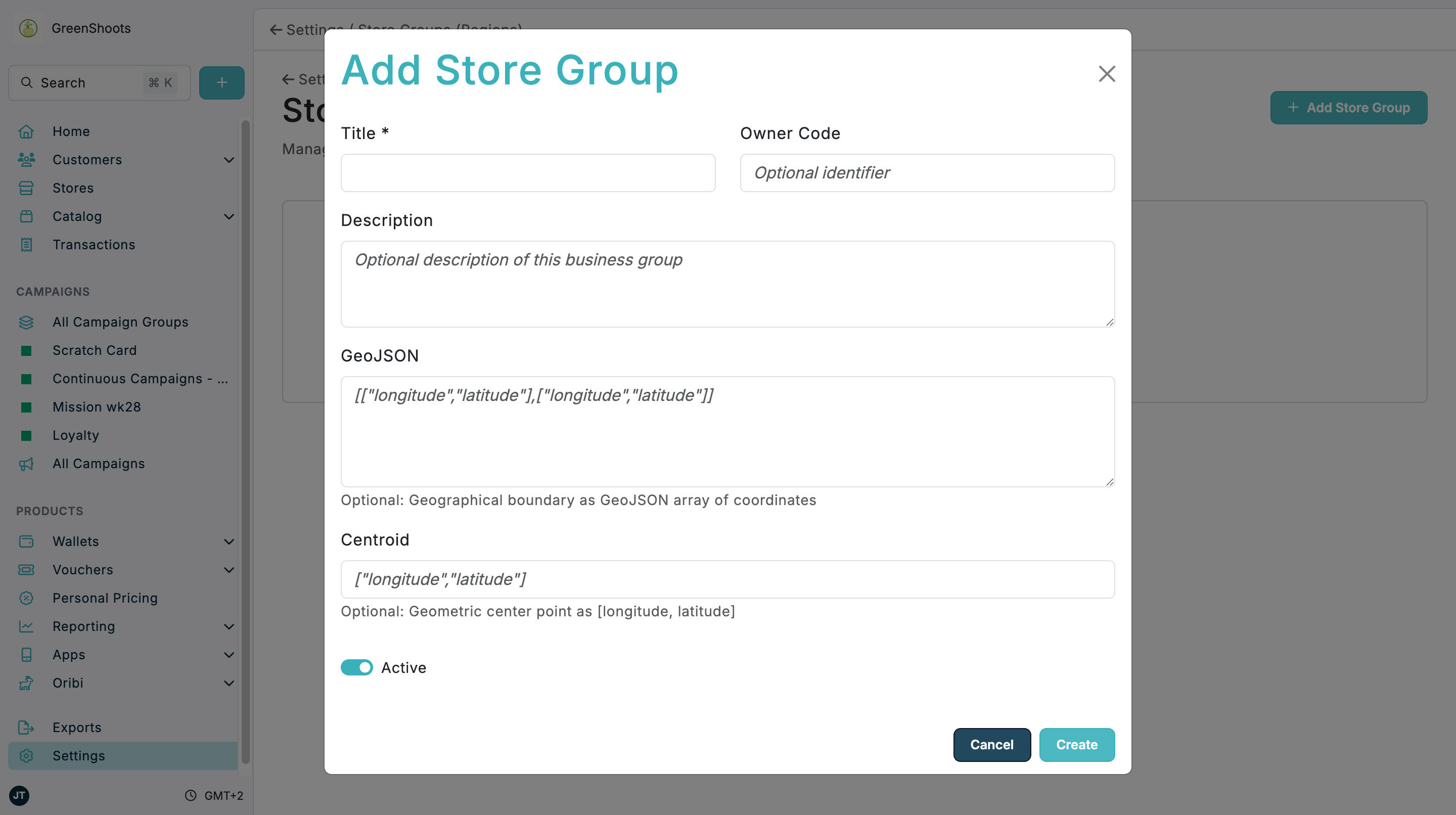
- Leave Active switched on when the store group should be available immediately.
- Click Create.
- Open an existing store group when you need to review Business Group Information or Geographical Information.
- Use Edit Business Group to update a store group, or Delete Business Group to remove it.
If something looks different
- If No store groups found. is shown, use Create your first store group.
- If GeoJSON or Centroid is rejected, check that the value is valid JSON in the format shown in the field placeholder.
- If a map preview does not appear, confirm that GeoJSON contains a valid geographic boundary.