Issue vouchers to a group of customers
Use a Scheduled rewards campaign when you want to issue the same voucher to a defined customer group at planned times. One campaign can contain multiple tasks, so you can issue that voucher to different segments or CSV customer lists on different dates and schedules.
Expected result
- You can review the voucher reward configuration and one or more task rows before you save the campaign.
- The campaign is configured to issue a voucher to a segment, a CSV customer list, or all customers.
- Each task can run once or on a repeating schedule at the time you choose.
Issue vouchers to a group of customers in Console
- Open Campaign groups.
- Open the campaign group where the scheduled reward campaign should live, or click Create a group and create a new campaign group first.
- In the campaign group, click Add campaign.
- Choose Schedule rewards.
- In Basics, enter a Title.
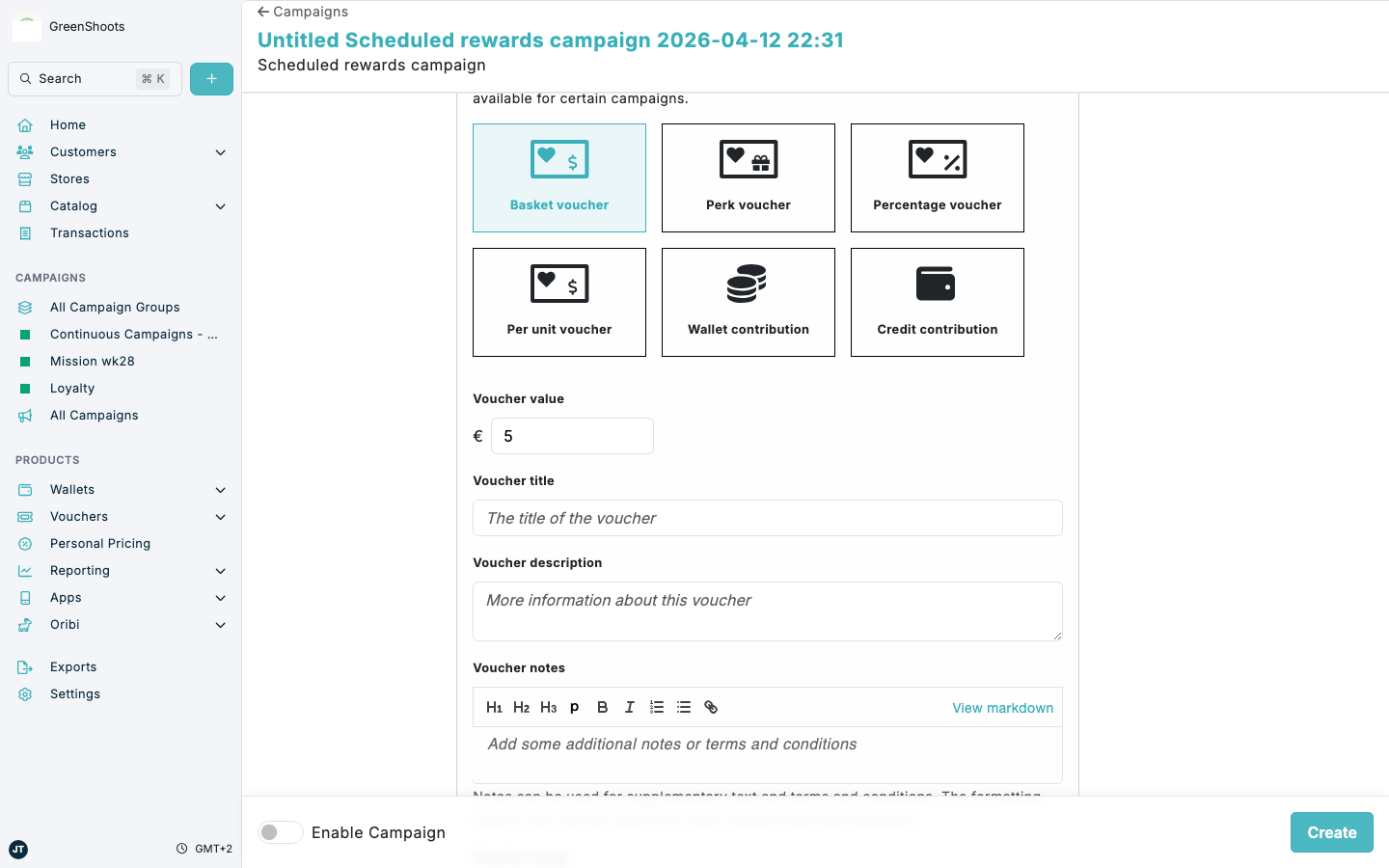
- In Rewards issued, choose the voucher type you want to issue, then complete the voucher settings such as Voucher value or Percentage discount, Voucher title, and Days to expiry. Add the Voucher description, Voucher detail page text, and voucher Background image under Vouchers in Promotional content.
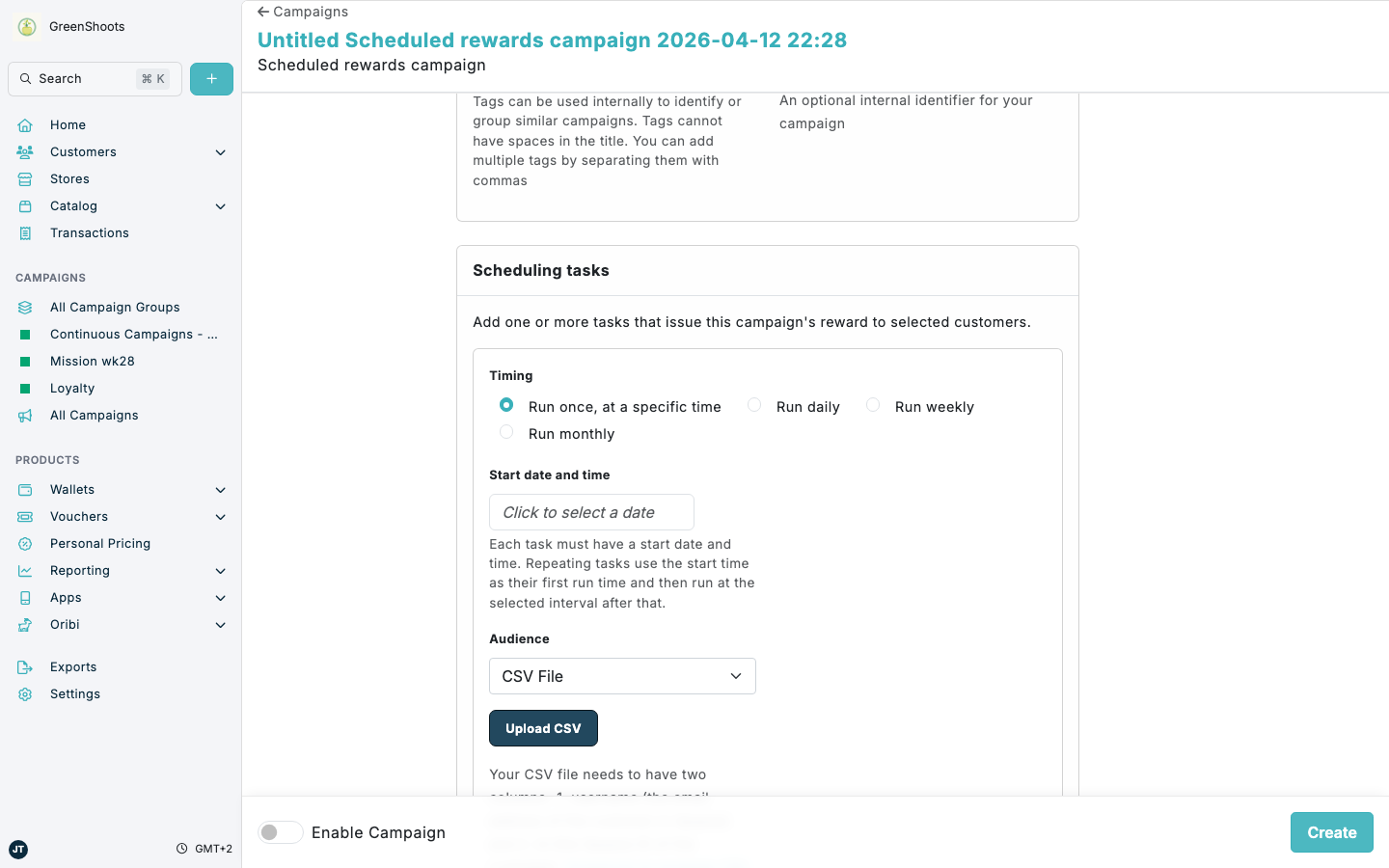
- In Scheduling tasks, click Add a task.
- In the new task, choose the schedule type: Run once, at a specific time, Run daily, Run weekly, or Run monthly.
- Set Start date and time for when the voucher should be issued.
- Under Audience, choose how the customer group is defined:
- Select Segment to issue the voucher to an existing segment.
- Select CSV File to issue the voucher to a customer list from a CSV upload.
- Leave All customers selected if that task should issue the voucher to everyone.
- If you choose CSV File, click Upload CSV and upload a file with the
usernameandidcolumns. - Repeat Add a task for every additional segment, CSV list, or scheduled issue time you need. All tasks in the campaign issue the same voucher configuration.
- Turn on Enable Campaign.
- Click Create.
- Open Overview to confirm each task’s Schedule and Audience.
For a Percentage voucher, enter a Percentage discount greater than 0 and no more than 100. Enter 20 for a 20% discount. Enter 100 for a 100% discount.
If something looks different
- If you do not see Scheduling tasks, confirm that you added the campaign from a campaign group and chose Schedule rewards.
- If a CSV upload does not work, check that the file includes both
usernameandidcolumns. - If you need to issue different voucher types or values to different groups, create separate Scheduled rewards campaigns because one campaign shares one reward configuration across all its tasks.