Issue wallet entries to a group of customers
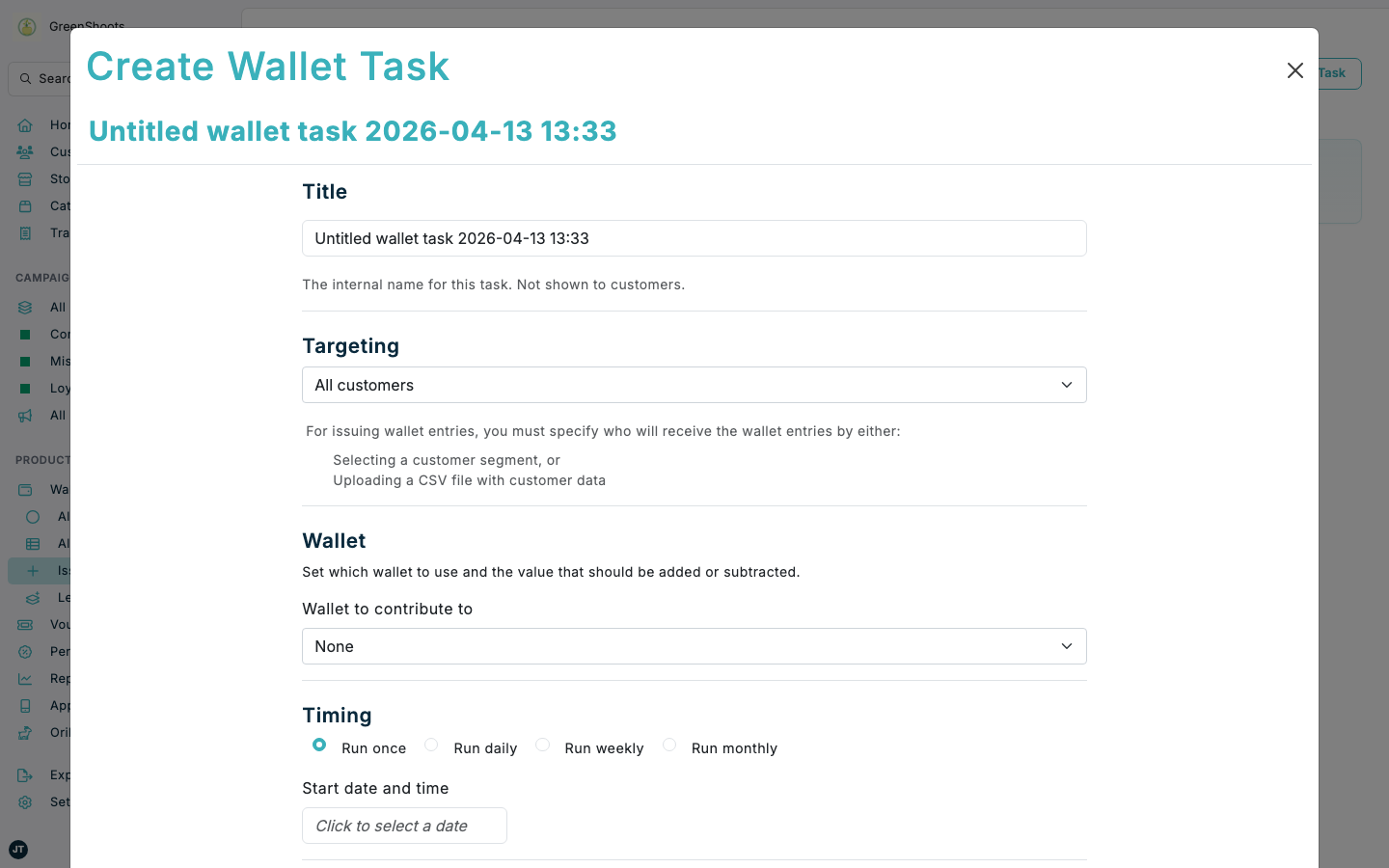
Use Issue Wallet Entries tasks when you want to add wallet entries to a segment or CSV list of customers at a planned time. This is the wallet equivalent of scheduled bulk issuance: one task defines the audience, wallet, amount, and timing for a single issue run.
Expected result
- You can review the targeting and wallet settings before you create the task.
- You can choose the target wallet and the amount to add or subtract.
- The task is scheduled to run once or on a repeating schedule.
Issue wallet entries to a group of customers in Console
- Open Issue Wallet Entries.
- Click Create Wallet Task.
- In Title, enter the internal task name.
- In Targeting, choose how the task should find customers:
- Select a Segment.
- Upload a CSV file with customer data.
- In Wallet, choose the wallet that should receive the entries.
- In Amount in wallet currency, enter the value that should be credited or debited.
- In Message, enter the text that customers should see in their wallet history.
- In Timing, choose whether the task should Run once, Run daily, Run weekly, or Run monthly.
- Set Start date and time.
- Click Create.
If something looks different
- If Create Wallet Task is not visible, check that you opened Issue Wallet Entries and that you have permission to create tasks.
- If you cannot create the task, confirm that Targeting uses either a segment or a CSV file.
- If you need the same wallet reward to be triggered by customer behaviour instead of a scheduled task, use Issuing wallet entries through campaigns.